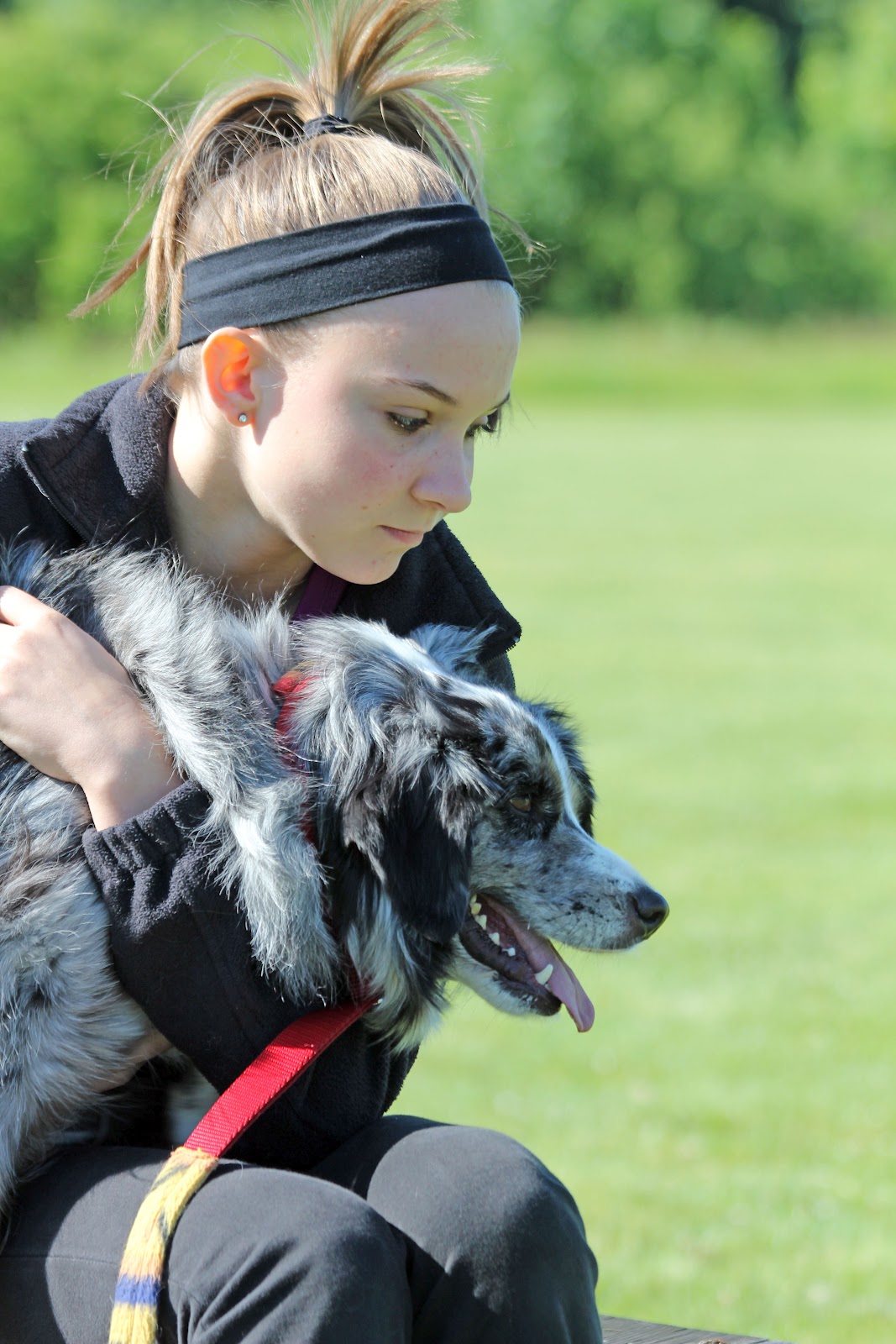
Boy, I love this texture ... I could make a whole portfolio using it alone. Thank you Bonnie for your inspiration and your textures ...
The challenge this week, if I understood it right, was to see what we could do with the Leafy Landscape Texture ... an open challenge to our imaginations and creativity. I can't wait to see the range of responses Bonnie gets this week. It should be fun and you should join in, first as an observer, then a participant. You will love it :) Here is what I came up with ...
Each of my pictures was done with the same technique. Basically I used PSE Enhance options to bring the picture to a sharp, clear tone. I then added the Leafy Landscape Texture, adjusting the opacity to what I wanted then using the mask/brush tool, I brushed out those parts I wanted to highlight. Same technique, different results. Hope you enjoy ...
On this one, I used the dry brush filter before I added the texture ... gave it a more artsy look :)
My son, grandaughter and her freind are going to 6 flags Great America today. I know they are young, but really? Drink, Drink, Drink water and find some shade :( They do have a water park ... lots of sun screen needed, ya think?
I have often turned photos into paintings because I love the effect. But, this week I decided to experiment a little more and make it more interesting. A friendly blogger gave me the names of several free editing programs on the net, so I played with those as well. I am happy with the results mainly because I love my model ... she is my granddaughter. So here we go ...
Two totally different looks. Two totally differend effects. And one beautiful Granddaughter ... (Spoken like a typical Grandma)


%20(1).jpg)

.jpg)